More in How to use CivicGov
Register for a CivicGov account
Go to the CivicGov Citizen PortalOverview
There are two parts to the registration process:
- STEP 1: REGISTER - You will be sent an email to confirm your email. This approval will not allow you to log in until the second part occurs.
- STEP 2: APPROVAL - The approval process takes up to one business day. Upon approval, you will receive an email notification with login instructions. If you attempt to login before you are approved, you will receive a message that the User ID & Password are incorrect.
Detailed steps
Required information is indicated by a red asterisk. A confirmation that your account has been set up will be sent to you by email.
On the CivicGov Citizen Portal home page, click on the button to begin.
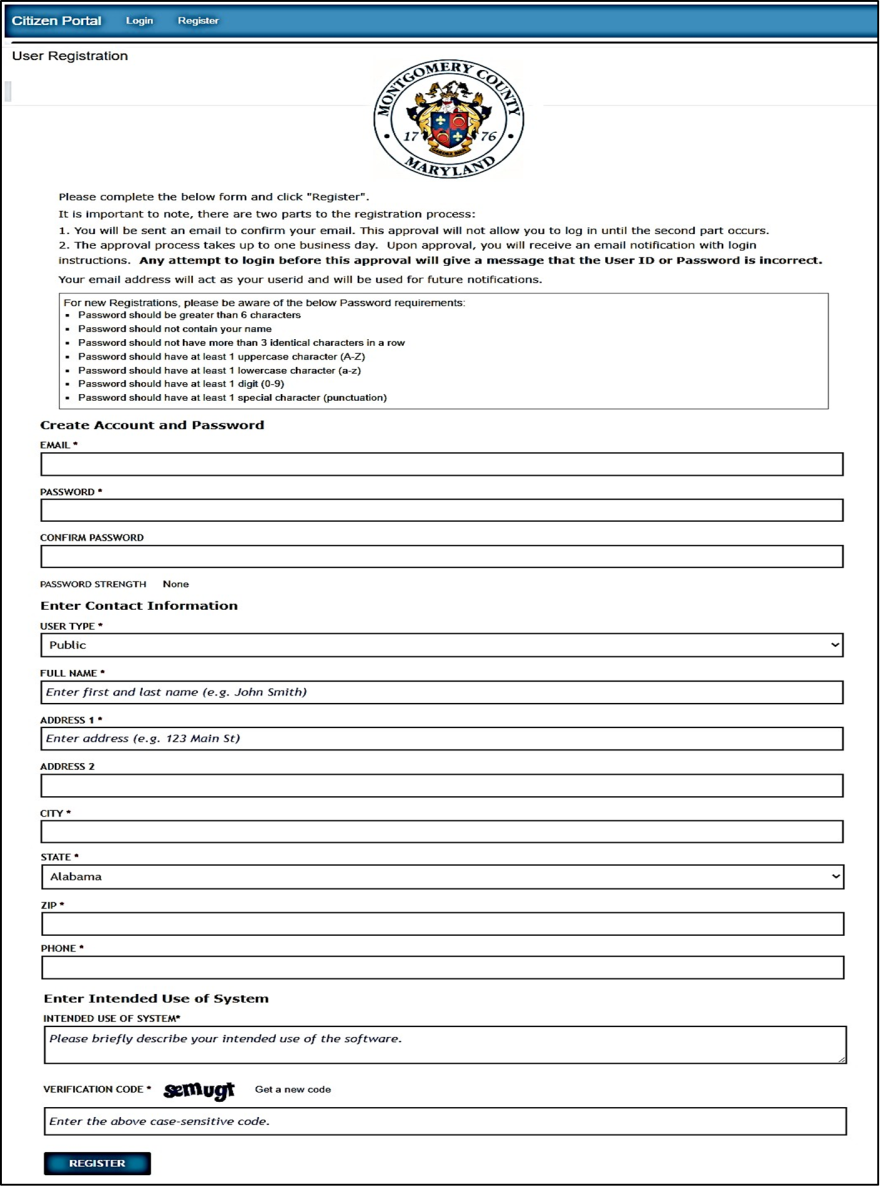
The “User Registration” form is displayed.
Create Account and Password by entering:
- EMAIL*
- PASSWORD*
- CONFIRM PASSWORD*
- USER TYPE*
- FULL NAME*
- ADDRESS 1*
- ADDRESS 2
- CITY*
- STATE*
- ZIP*
- PHONE*
Enter Intended Use of System
Enter the case-sensitive "Verification code" displayed on the screen.
Click the Register button.
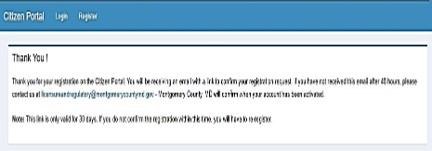
A confirmation message is displayed.
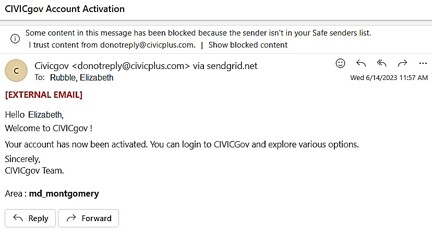
Example of E-Mail sent by CivicGov