REM Player Instructions
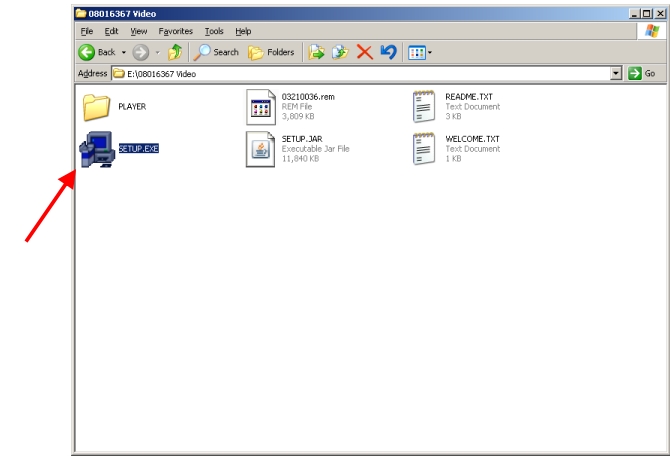
1)Double click on the setup.exe icon to start the instillation process. If the player is already installed, skip ahead to Step 6
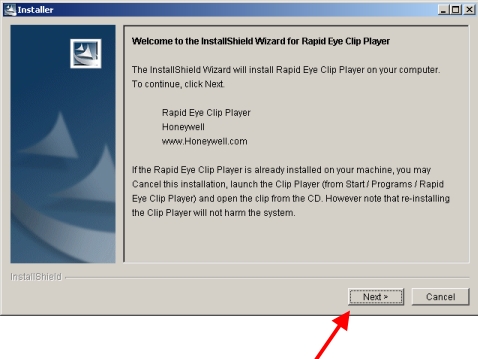
2)When the installer window comes up, click Next.
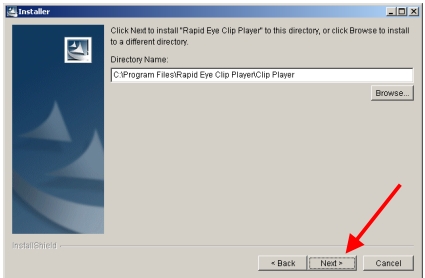
3)Click Next again
4)This will start the install. After it is finished, click Next
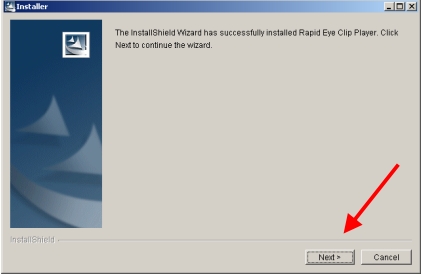
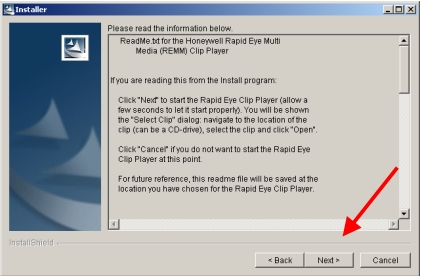
5)Read the following to learn how to use the player. Then click Next.
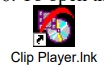
6)To open the player, find the icon on your desktop that is called Clip Player
7)This screen should come up.
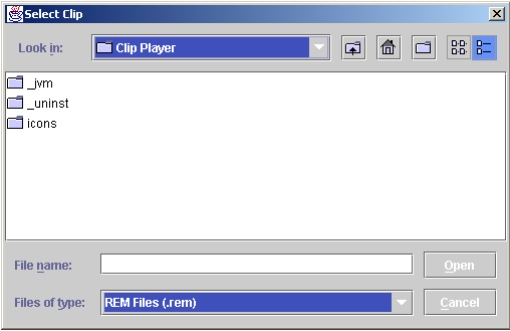
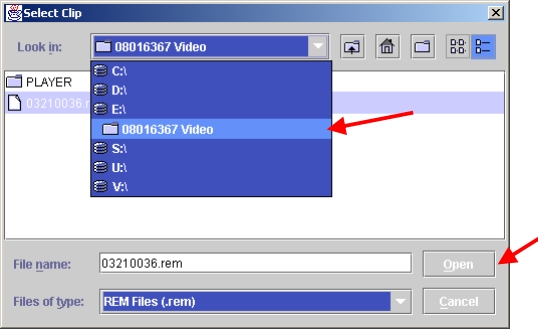
8)Go through and find the clip that you want to play and click Open. Your video should be playing now.