Verint Codec Instructions
This is for videos that need the specific Verint Codec installed to be able to view them using your video player. These are the instructions on how to install the proper codec.
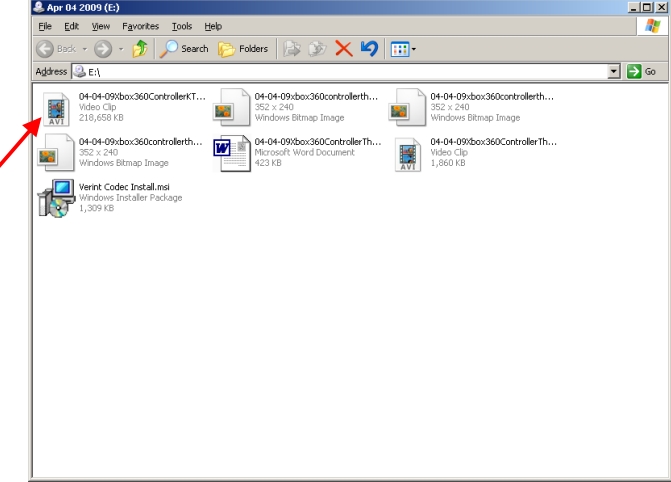
1)Click on the install VerintCodecInstall.msi icon when you open up the CD
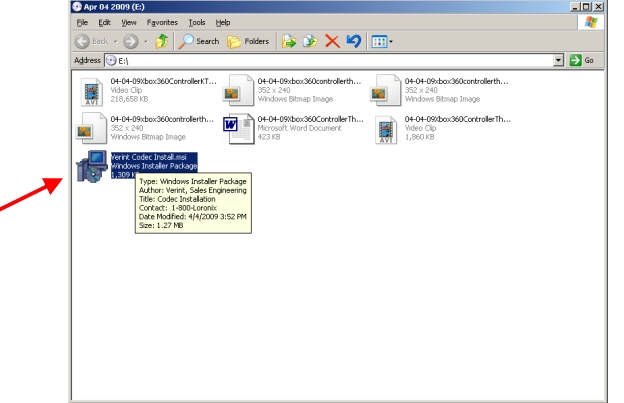
2)Click Next
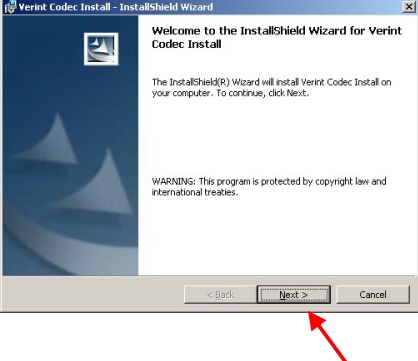
3)Click Install
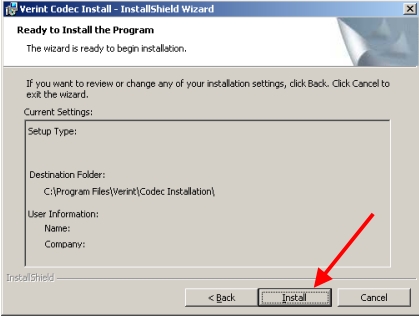
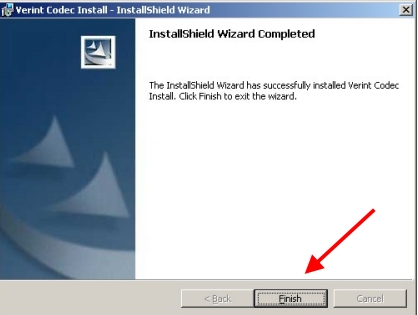
4)After the installation is complete, click Finish.
5)The video files should now work. Click on the video clip and it should open.